Generate an account access key
An account access key (AAK) provides programmatic access to your SBS account, through the Account API. You should create such a key only if you need to perform operations against your SBS account through API calls. For example, you could need such a key if you have thousands of tenants to manage and would like to create and update them programmatically through an API call.
To generate an account access key, use the graphical user interface (Web UI) of the SBS Console:
-
Sign in to the SBS Console.
-
In the left-hand side navigation menu, click Account Access Keys.
-
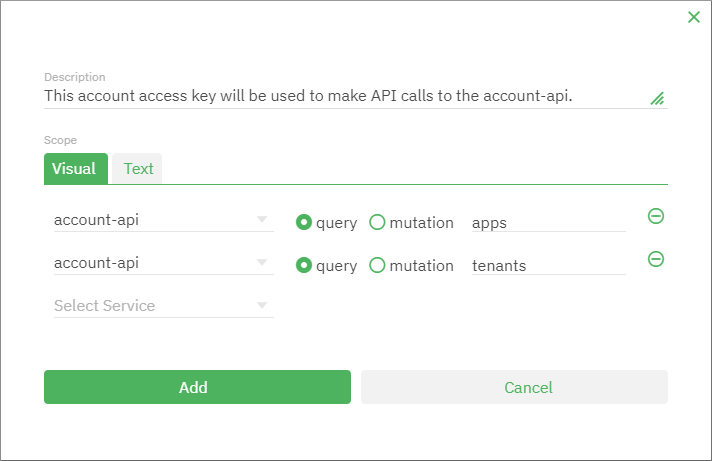
Click the New Account Access Key button in the top-right corner of the page. A dialog box appears.
-
Optionally, enter a description.
-
Under Scope, enter the extent of permissions that should be available to the bearer of the key. For details, see Scope editor.
-
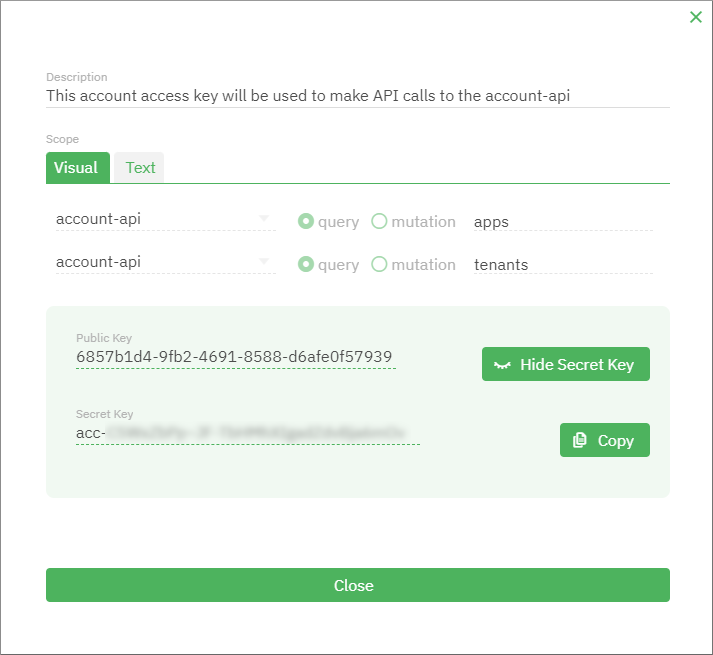
Click Add. The key is generated and the dialog box remains open.
-
Click View Secret Key and copy the private key value. You can now use this value in the
x-api-keyheader when accessing a relevant SBS service.